
Best Cast X TV Settings for Smooth Playback
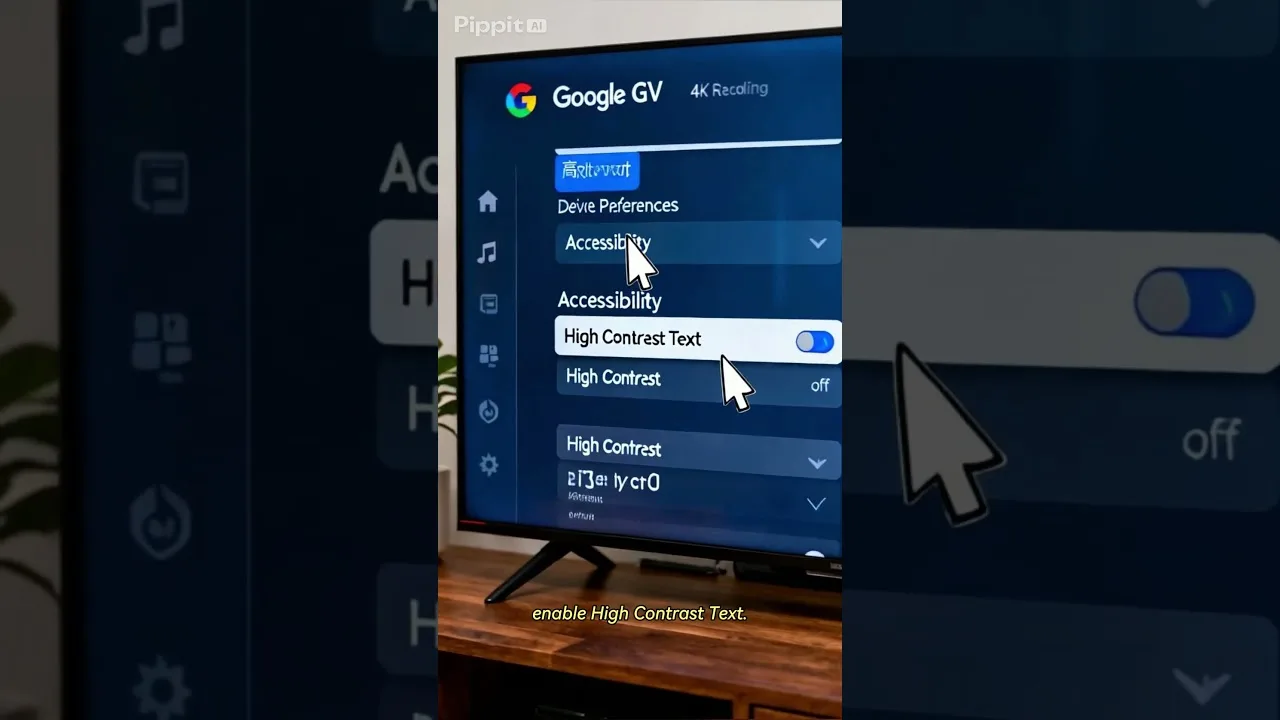
Default settings are designed for an average phone on an average connection — and almost nobody owns that phone or has that connection. Spending ten minutes tuning Cast X TV APK settings to your actual device pays back on every single session, in smoother playback, fewer stalls, and a phone that runs cooler and lasts longer.
Change one group of settings at a time and watch for a day in between. That way, when something improves — or worsens — you know exactly which adjustment caused it, instead of guessing among five changes made at once.
Stream Quality and Auto Mode
Quality is the master setting. Match it to your connection rather than your ambitions: a stable standard-quality stream beats a top-quality stream that stalls every minute. Where an automatic option exists, it adjusts quality as your network fluctuates, which prevents most stalls on variable home Wi-Fi.
The exception is casting to a television on a strong, stable connection, where a fixed high setting avoids visible quality shifts mid-film. The quality-versus-data trade-off behind these choices is explored in our data usage guide.
Decoding and Player Behaviour
If the player offers a choice between hardware and software decoding, hardware is the right default for nearly every modern phone: the dedicated video chip handles playback efficiently, so the phone stays cooler and the battery lasts longer through a long film or match.
Switch to software decoding only as a diagnostic — if a specific stream shows a broken picture with sound continuing, or colours look wrong in a way other settings do not explain. Treat it as a test to try, not a permanent home.
Battery behaviour is tied to decoding as well. Software decoding makes the main processor work much harder, which appears as heat and faster battery drain during long sessions. If your phone grows unusually warm while streaming, the decoding mode is worth checking before anything else.
Casting Settings and Behaviour
Casting quality follows the stream, so the quality choices above matter twice when the television is involved. Keep the phone awake while casting if your setup uses the phone as the controller, and prevent battery-saver modes from throttling the app mid-session, which can interrupt the connection at the worst moment.
A full walkthrough of connection methods and television setup lives in our casting guide, including what to do when the TV and phone refuse to see each other on the network.
Data-Saving and Background Options
Audit the background behaviour of the whole phone, not just the app. Automatic cloud uploads, app updates, and large downloads scheduled for the evening compete directly with your viewing. Setting big downloads to Wi-Fi-only and overnight hours keeps the connection free when you actually sit down to watch.
If you watch on mobile data at all, enable any data-saving options the app offers and keep quality modest. Settings that cost nothing on home Wi-Fi matter enormously on a capped plan, and the two situations deserve different configurations.
Notifications deserve a quick audit too. A phone lighting up with banners every few minutes is not a settings problem in the app — but Do Not Disturb during viewing protects both your attention and the stream from interruption, and it costs nothing to use.
Final Thoughts
Good settings are personal: the right configuration for a flagship phone beside the router is wrong for a budget phone two rooms away. Tune quality to your connection, leave decoding on hardware, set casting up deliberately, and clear the phone's background competition. Then stop adjusting and enjoy the result.

More articles
-
How to Update Cast X TV APK to the Latest Version
Keep Cast X TV current: check your version, update safely over your existing install, and confirm everything still works afterwards.
Read article → -
Cast X TV Buffering Fixes: How to Stop Lag and Freezing
Stop Cast X TV buffering with practical fixes for Wi-Fi, quality settings, casting, and busy live sources, explained step by step.
Read article → -
How Much Data Does Cast X TV Use? A Streaming Data Guide
Understand Cast X TV data usage per hour at each quality level, and learn how to watch more on mobile data without blowing your plan.
Read article → -
How to Cast to TV with Cast X TV: Complete Guide
Cast Cast X TV to your television step by step: connection methods, setup for smart TVs and Chromecast, and fixes for common casting problems.
Read article →