
How Much Data Does Cast X TV Use? A Streaming Data Guide
Streaming feels weightless until the data bill or the throttling notice arrives. How much data Cast X TV streaming app uses is almost entirely decided by one choice — the quality setting — multiplied by how many hours you watch. This guide gives realistic per-hour figures, explains why live content differs from films, and shows how to keep mobile viewing inside a limited plan.
As a rule of thumb: standard definition uses roughly 0.5 to 0.7 GB per hour, high definition around 1.5 GB, and the highest quality settings can reach 3 GB per hour or more. An evening of top-quality live sport can therefore use as much data as a week of casual standard-definition browsing.
Why Live Streams Use More
Live content is encoded in real time, and fast-moving pictures — football, racing, action scenes — need higher bitrates to stay clear. A calm film at a given quality setting is comparatively cheap; a live match at the same nominal setting is not, which surprises many users the first time they compare the two.
Casting does not double your internet usage: the stream is downloaded once. But casting encourages longer, bigger-screen sessions, and it is the hours, more than the method, that empty a data plan.
To make the numbers concrete: two hours of high-definition live viewing every evening for a week adds up to roughly 25 to 30 GB. The same habit in standard definition uses around 8 GB. That near fourfold gap is the entire argument for treating quality as a budget decision on any plan that is not truly unlimited.
Watch on Wi-Fi Whenever You Can
Home Wi-Fi is effectively unlimited for streaming purposes, so make it the default for anything long: matches, films, series binges. Save mobile data for short sessions — news, a quick episode, checking a channel — where the total stays measured in hundreds of megabytes.
Be careful with casting while your phone is on mobile data. If the phone is not connected to home Wi-Fi, casting a two-hour match can silently consume the data through the phone's connection. Always confirm the Wi-Fi icon before a long cast. The setup details are in our casting guide.
Track Usage in Android Settings
Android records per-app data use under Settings, in the network or apps section depending on your phone. Check Cast X TV's figure once a month and you will quickly learn your personal per-hour rate, which is more useful than any generic chart because it reflects your quality settings and habits.
Most phones also offer a hard per-app mobile data toggle. During a tight month, blocking the app's mobile data entirely and letting it work on Wi-Fi only is more reliable than willpower when a big live event tempts you.
Set a calendar habit around it: check the figure on the same day you pay the phone bill. Pairing the two turns data awareness into a routine instead of a surprise, and within two months you will know your household's real streaming appetite precisely.
Practical Budgets for Common Plans
On a 10 GB monthly plan, mobile streaming should stay occasional: a handful of standard-definition hours. On 50 GB, a few live events at sensible quality fit comfortably alongside normal phone use. Unlimited plans remove the arithmetic, though some still throttle video after a threshold, which shows up as unexplained quality drops.
Whichever plan you have, quality discipline is the whole skill. The settings that enforce it are covered in our best settings guide — five minutes there protects your data every day afterwards.
Final Thoughts
Data usage is not a mystery; it is quality multiplied by hours. Know your per-hour rate, keep long sessions on Wi-Fi, be careful when casting, and check the app's usage monthly. Do that, and Cast X TV will never be the reason your plan runs dry.

More articles
-
How to Update Cast X TV APK to the Latest Version
Keep Cast X TV current: check your version, update safely over your existing install, and confirm everything still works afterwards.
Read article → -

Cast X TV Buffering Fixes: How to Stop Lag and Freezing
Stop Cast X TV buffering with practical fixes for Wi-Fi, quality settings, casting, and busy live sources, explained step by step.
Read article → -
Best Cast X TV Settings for Smooth Playback
Tune Cast X TV for your phone and network: quality, decoding, casting, and data settings explained in plain language.
Read article → -
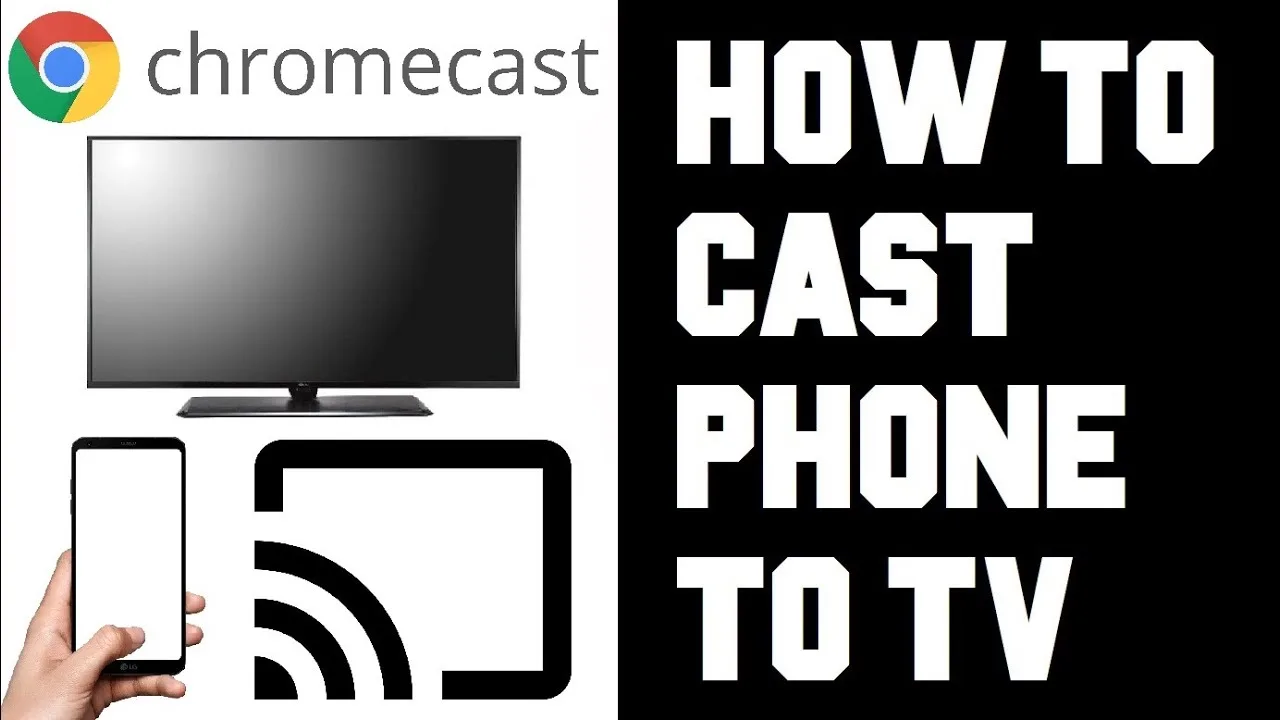
How to Cast to TV with Cast X TV: Complete Guide
Cast Cast X TV to your television step by step: connection methods, setup for smart TVs and Chromecast, and fixes for common casting problems.
Read article →