
Cast X TV Common Questions Answered
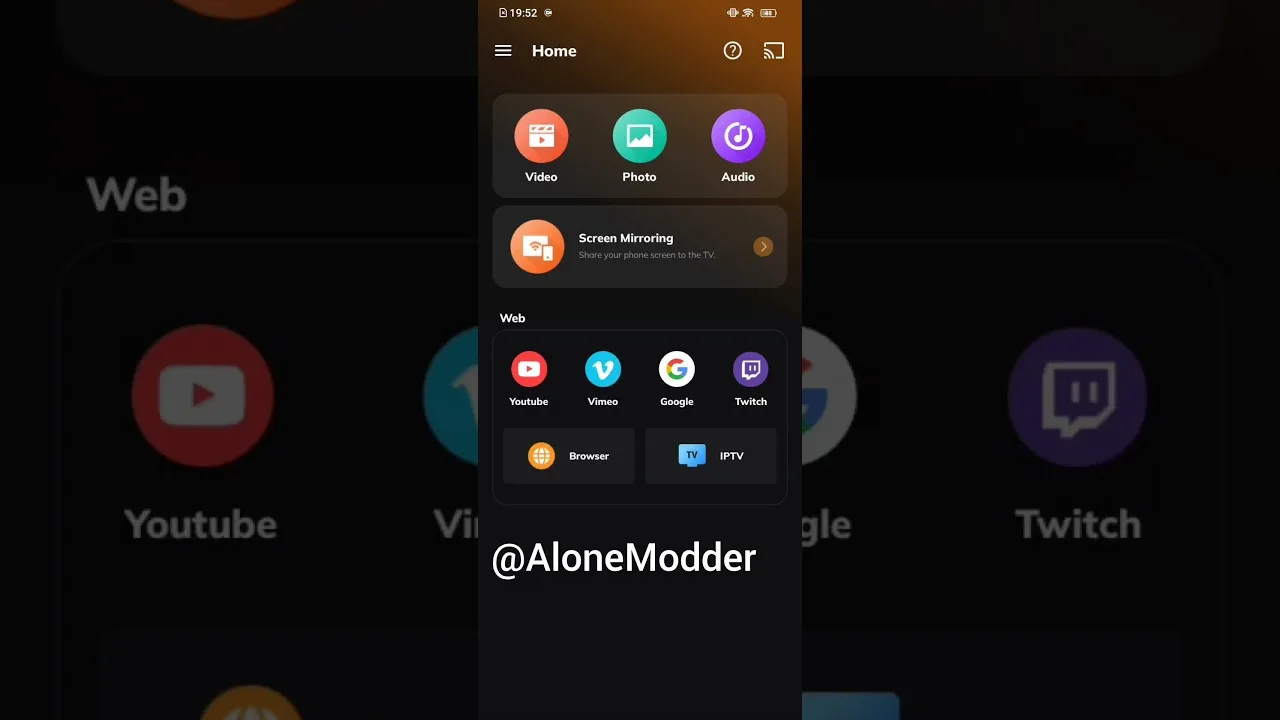
New users tend to ask the same dozen questions about any streaming app, and Cast X TV app for Android is no exception. This page collects the questions we hear most — about cost, devices, casting, data, and everyday problems — and answers each briefly and honestly. Where a question deserves a full guide, the answer points to it.
Skim the headings for your question, or read through for a fast orientation before you install.
Is Cast X TV Free to Use?
The app itself is free to download and use, which is a large part of its appeal compared with subscription platforms. Your real costs are indirect: the internet connection you stream over and, on mobile data, the data itself. Watching on home Wi-Fi keeps the ongoing cost at effectively zero.
Do I need an account? For everyday viewing, no account or sign-up stands between you and the content — install the app and start browsing categories. That simplicity is covered as part of the general overview in our features guide.
Which Devices Can Run It?
Any reasonably modern Android phone or tablet can run the app, and Android TVs, TV boxes, and Chromecast-style setups handle the big-screen side. Very old devices with little memory may struggle at the highest quality settings but still manage standard playback with sensible settings.
Can I use it on iPhone? The app is built for Android, so Apple devices are not supported directly; iOS households typically watch via the family Android TV or tablet. Exact expectations by device type are set out in our device compatibility guide.
How Does Casting Work?
Casting sends the stream from your phone to a television on the same Wi-Fi network: start playback, tap the cast control, choose the TV, and the phone becomes the remote. The television pulls the stream itself, so picture quality follows your network rather than your phone's screen.
What if my TV never appears in the list? Check that both devices share one network, restart the television fully rather than leaving it in standby, and look for router guest-network or isolation settings that hide devices from each other. The complete walkthrough is our dedicated casting guide.
How Much Data and Storage Does It Need?
Data use depends on quality: roughly half a gigabyte per hour in standard definition and up to about 3 GB per hour at the highest settings. Storage for the app itself is modest, but its cache grows with use and can be cleared safely at any time from Android's app settings.
Why does playback buffer even on fast internet? Because steadiness matters more than headline speed, and live sources get busy at peak moments. Quality matched to your connection, a router that is not buried in a cabinet, and a phone that is not overloaded fix most cases.
What If Something Goes Wrong?
Most problems have boring causes: an outdated version, a full cache, a weak signal, or a device that needs a restart. Update the app, clear the cache, restart the phone, and test on strong Wi-Fi before assuming anything is seriously wrong.
Subtitles missing? They depend on the stream carrying them — another version of the same title often has the track you need. Channels missing after an update? Restart the app once; lists rebuild on a fresh launch far more often than users expect.
Final Thoughts
If your question was not covered here, it is probably answered in depth in one of the guides linked above — installation, compatibility, features, casting, and troubleshooting each have their own page. Cast X TV rewards a small amount of learning: once the basics are familiar, the app mostly stays out of your way and lets you watch.

More articles
-
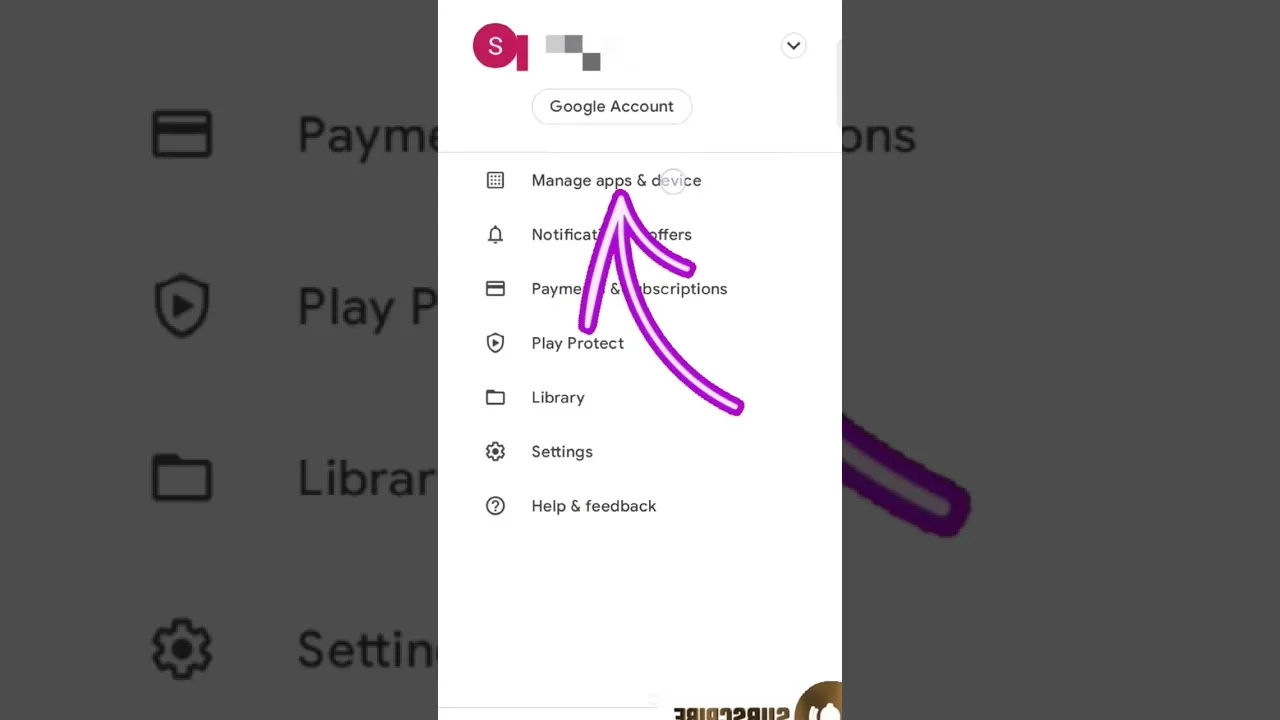
How to Update Cast X TV APK to the Latest Version
Keep Cast X TV current: check your version, update safely over your existing install, and confirm everything still works afterwards.
Read article → -

Cast X TV Buffering Fixes: How to Stop Lag and Freezing
Stop Cast X TV buffering with practical fixes for Wi-Fi, quality settings, casting, and busy live sources, explained step by step.
Read article → -
Best Cast X TV Settings for Smooth Playback
Tune Cast X TV for your phone and network: quality, decoding, casting, and data settings explained in plain language.
Read article → -
How Much Data Does Cast X TV Use? A Streaming Data Guide
Understand Cast X TV data usage per hour at each quality level, and learn how to watch more on mobile data without blowing your plan.
Read article →